⌥option
Hold the key
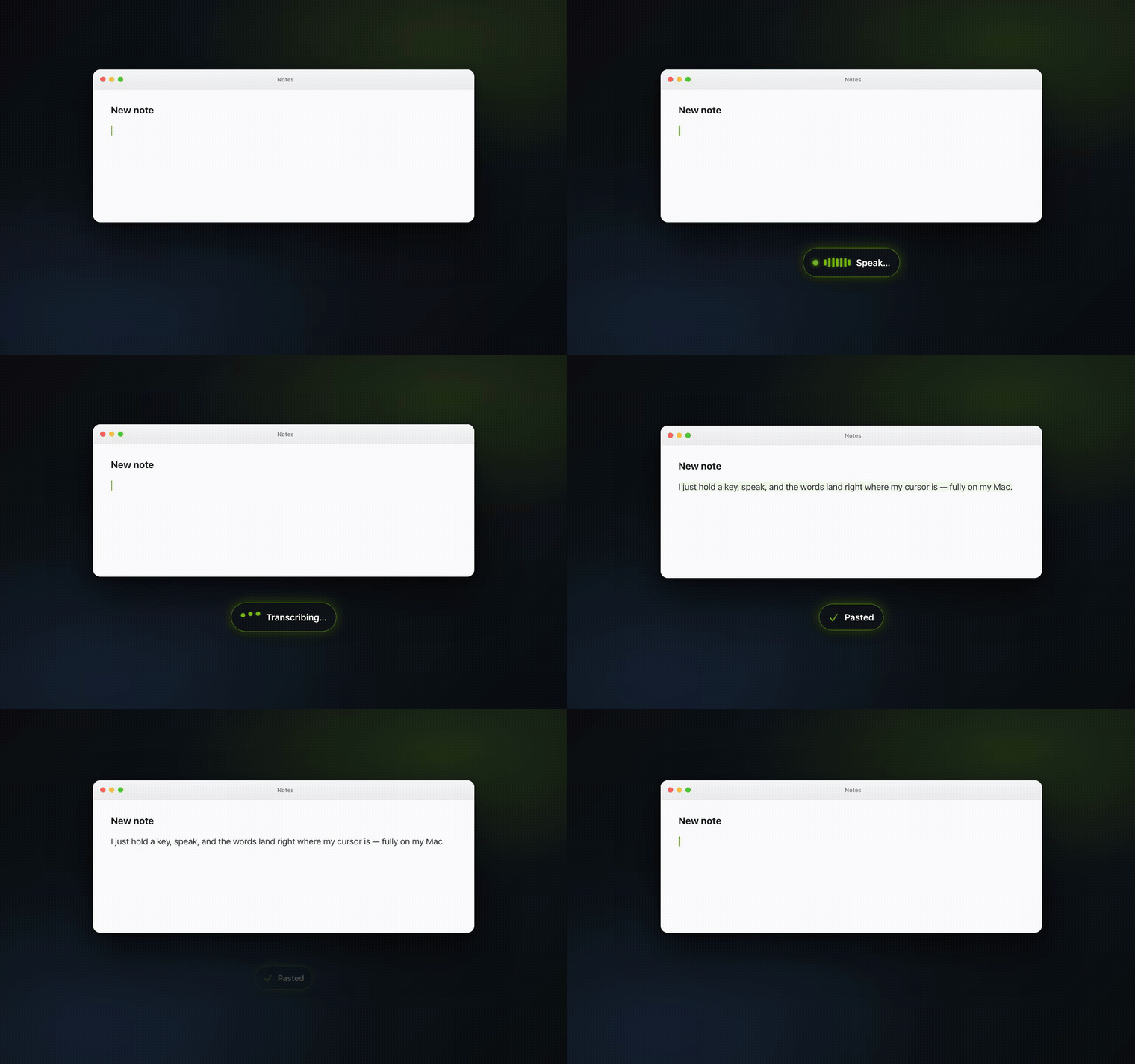
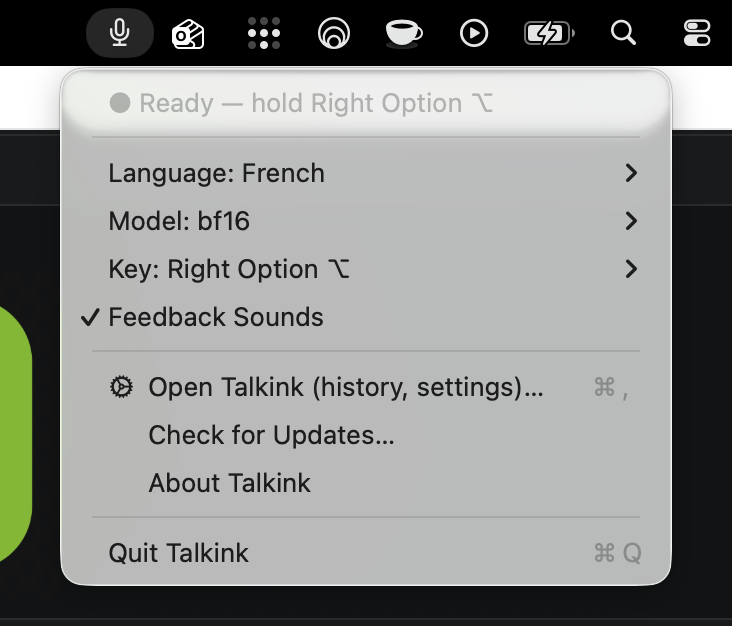
Press and hold Right Option, from any app, any window. Or double-tap to go hands-free.
100% on-device · free & open source
Say it, it’s written. Hold a key, speak, release, and your words land right where your cursor is, in any app.
Press and hold Right Option, from any app, any window. Or double-tap to go hands-free.
English, French, Turkish… 27 languages, picked or auto-detected. Punctuation included.
Your words land at your cursor in about a second. That’s the whole workflow.
Talkink runs state-of-the-art open speech models (Qwen3-ASR, NVIDIA Nemotron, Voxtral) directly on your Apple Silicon chip, you pick the one you like in Settings. No cloud. No account. No subscription. No telemetry. The code is open, anyone can check.
Mail, Slack, Word, your browser, your code editor, if you can type there, you can speak there.
Up to 30–40× faster than real time on an M-series chip. Release the key, the text is right there.
Speak in your language, or mix them. Talkink detects it automatically, with punctuation and capitals.
The speech model lives on your Mac. Your audio is processed locally and never uploaded to anyone.
Every transcription is saved on your machine, searchable, re-copyable, with your words-per-minute.
Teach it your names and jargon, written your way, fixed on your Mac right after transcription.
Double-tap to dictate without holding. Drive it from Raycast, Shortcuts or a terminal with talkink:// commands.
If something breaks, you'll know, a visible error journal and one-click problem reports. Never your transcripts.
Open source under MIT. Updates install themselves. No license, no lock-in, no catch.
Grab Talkink.dmg and open it.
The classic Mac move. No warnings, Talkink is notarized by Apple.
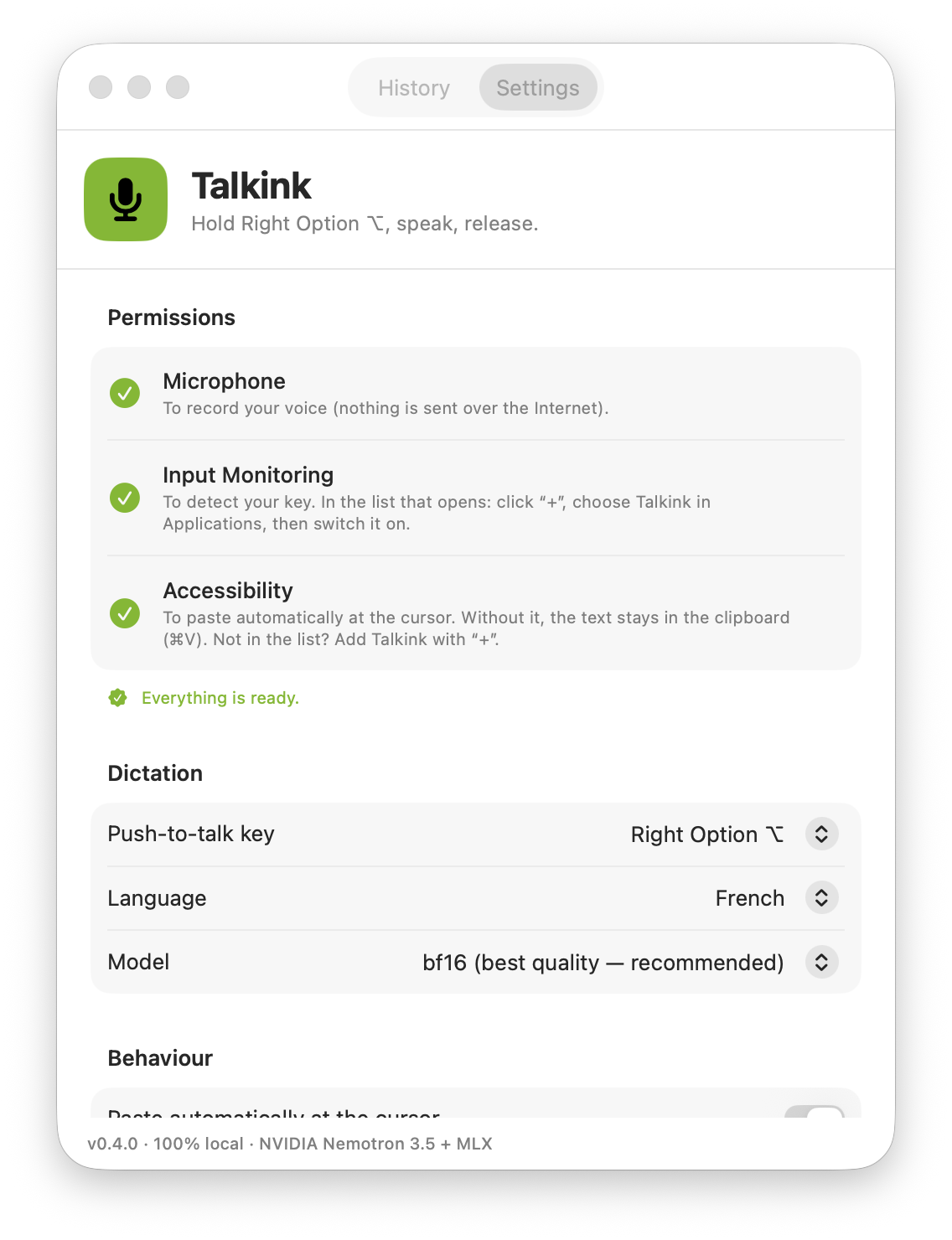
Talkink guides you through two quick permission toggles, then: hold ⌥, talk, release.
First dictation downloads the speech model once (~2.5 GB for the recommended one; lighter options from 760 MB), Talkink shows a live progress bar and resumes if you quit. After that, everything is instant and offline.
Yes, completely. Talkink is open source (MIT). No trial, no premium tier, no account. It exists because dictation shouldn’t require a subscription or sending your voice to a server.
Never. Transcription runs entirely on your Mac’s chip. Talkink only touches the network to download the speech model once, and to check for app updates. You can verify this, every line of code is public.
Two are needed: Microphone (to hear you) and Accessibility (to detect your push-to-talk key in any app and paste the text at your cursor). They appear in the list on their own, you just flip the switch, and Talkink’s welcome screen walks you through both.
Any Apple Silicon Mac (M1 through M5) on macOS 14 or newer. Intel Macs aren’t supported, the on-device AI relies on Apple’s ML acceleration.